
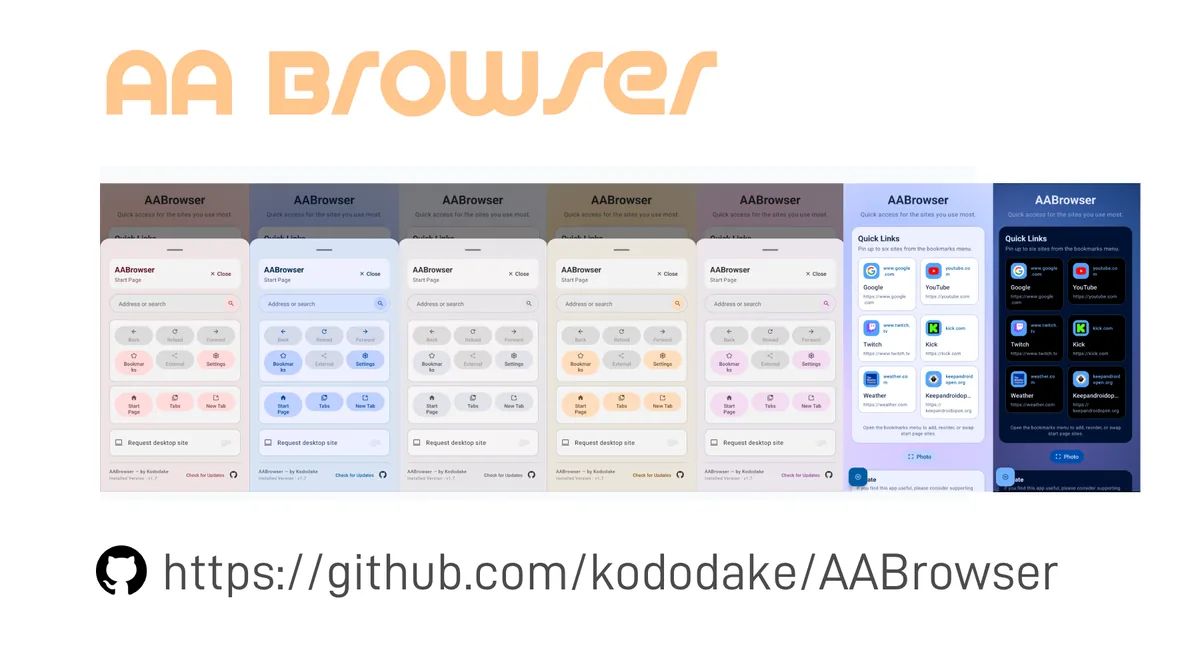
Which AA Browser GitHub repository is official?
The official repository is kododake/AABrowser. Its exact URL is https://github.com/kododake/AABrowser.
The README contains a prominent warning titled “Beware of Fake Websites.” It says fake websites impersonating AA Browser have appeared and states that the GitHub repository is the only official source. This is first-party evidence from the project itself, not a conclusion based merely on stars, download counts, or a familiar-looking logo.
The repository describes AA Browser as an Android Auto Web Browser, publishes source code under GPL v3.0, maintains tagged Releases with downloadable APK assets, and exposes the Android configuration that ties current version 2.2 to package com.kododake.aabrowser and Android 15+. Its README also links an Obtainium configuration using the same repository owner, URL, author, and package identity.
AA Browser Wiki cannot be the official source because it is not controlled by the repository owner. Its role is to explain release and compatibility details, preserve links to first-party evidence, and route downloads directly to GitHub after a visible countdown.
A search result, familiar icon, “official” badge, or direct APK button is not proof of developer ownership. Follow the GitHub owner and Release path.
How to verify the genuine AA Browser project
- 1
Check the owner and repository
The browser address must show
github.com/kododake/AABrowser. Lookalike owners, extra hyphens, and renamed forks are different repositories. - 2
Read the project's own warning
The README explicitly says GitHub is the only official source and warns about impersonation websites.
- 3
Use the Releases section
Official assets live under
/kododake/AABrowser/releases/download/<tag>/. Version 2.2 usesAABrowser-2.2.apk. - 4
Match the package configuration
The current Gradle source sets namespace and application ID to
com.kododake.aabrowser. - 5
Confirm release metadata
For v2.2, GitHub reports 6,763,349 bytes, publication on June 13, 2026, and a specific SHA-256 digest.
- 6
Inspect history and license
The repository contains source commits, tags, Issues, Discussions, contributors, and the GNU GPL v3.0 license rather than only a binary download page.
AA Browser 2.2 official release check
A checksum comparison is useful when the file has moved through a USB drive, messaging app, download manager, or local archive. A matching SHA-256 means the bytes match the GitHub asset associated with that digest. It does not prove that the software has been independently security-audited, and this site does not present it as a malware scan.
For version 1.3, the official asset is AABrowser-1.3.apk, 4,178,148 bytes, with SHA-256 e829de155656292de510a6c584a8a75ccbcebe0b35a7d3ccb8160fc3222f132e. The dedicated old-version page records its Android 10 minimum and later-version trade-offs.
| Evidence | Expected value | Source |
|---|---|---|
| Release tag | v2.2 | GitHub Releases |
| Asset filename | AABrowser-2.2.apk | GitHub asset metadata |
| File size | 6,763,349 bytes | GitHub asset metadata |
| SHA-256 | 0b7d800f081e0f785a6a89f33d46c5baea697cd0b6e0750ef86d950ec5f85d40 | GitHub asset digest |
| Application ID | com.kododake.aabrowser | app/build.gradle.kts |
| Minimum SDK | 35 / Android 15 | app/build.gradle.kts |
| License | GNU GPL v3.0 | Repository license |
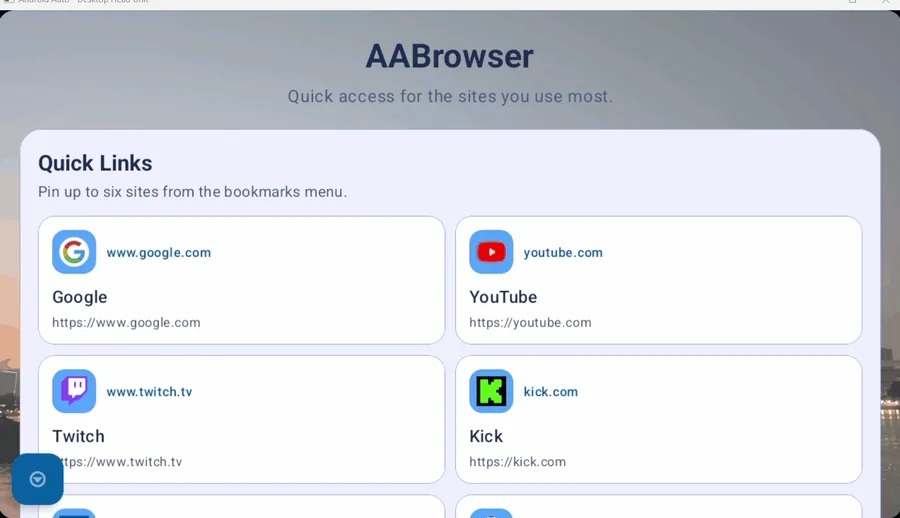
How to Verify the Official AA Browser GitHub Repository
The official AA Browser GitHub repository can be verified without relying on search position, a copied logo, or a page that calls itself official.
Begin with the complete address: github.com/kododake/AABrowser. Open Releases from that repository page instead of searching separately for an APK filename. A current asset URL keeps the same owner and repository path, followed by /releases/download/v2.2/AABrowser-2.2.apk. GitHub then provides the tag, publication date, byte size, and SHA-256 digest needed to compare the downloaded file with the published asset. This path-based check is more reliable than trusting a result snippet, review site, or button label.
Next, connect the release to the source tree. The repository exposes its GPL-3.0 license, commit history, tags, Issues, README warning, Gradle application ID, and Android minimum. Those records form a consistent project identity that a standalone download page cannot reproduce merely by copying screenshots. For an older build, change only the documented release tag and asset name; version 1.3 belongs under the same repository and its v1.3 Release. If the owner, repository name, release tag, package identity, or asset facts do not align, stop before installation and return to the official AA Browser GitHub repository.
The official AA Browser GitHub repository ties the owner page, source history, tagged Release, APK metadata, and package configuration together.
Are AA Browser forks or GitHub copies genuine?
GPL v3.0 permits people to study, modify, and redistribute the code under its license conditions. A fork can therefore be legitimate open-source work without being the official AA Browser release. “Allowed by the license,” “technically based on AA Browser,” and “published by the original developer” are three different claims.
If a fork changes the package, signing key, app behavior, analytics, permissions, update mechanism, or download location, evaluate it as separate software. Read its commits, build instructions, maintainer identity, release process, and license compliance. Do not use the original project's screenshots or name as proof that an unfamiliar fork is safe or supported.
For visitors seeking AA Browser rather than a derivative, the simplest boundary is to stay with kododake/AABrowser. This also keeps update checks and issue reports aligned with the developer's published releases.
How fake AA Browser download pages can mislead users
If you already installed an unverified package, disconnect it from sensitive accounts, uninstall it, review permissions, run the security checks available on your device, and obtain the genuine release from GitHub. If the device shows suspicious behavior, seek device-specific security help rather than assuming that reinstalling the official APK will remove unrelated changes.
- The button downloads from an unrelated host, file-sharing service, URL shortener, or advertising installer instead of GitHub Releases.
- The page claims a version newer than the repository's latest tag without a linked first-party announcement.
- The filename includes mod, premium, cracked, unlocked, patched, or Android 14 fix language absent from official Releases.
- The site calls itself the developer's official website but provides no matching link from the repository or developer profile.
- The download requires a second installer app, notification permission, payment, survey, browser extension, or unrelated profile.
- The page promises an AA Browser APK for iPhone, even though iOS cannot install Android APK files.
How AA Browser Wiki handles downloads
AA Browser Wiki links to official GitHub assets and does not place APK files on its own server. Every direct-download CTA uses a 15-second in-page countdown, names the version, keeps a normal hyperlink fallback, and sends the browser to the verified Release URL. The delay is not a security scan; it gives visitors time to see that the destination is GitHub.
Release claims on this site are dated. The v2.2 facts were checked August 12, 2026 against the GitHub API, README, manifest, Gradle build configuration, and license. Future releases can make this page stale, so the repository remains the final source. Corrections can be sent to support@aabrowser.blog.
AA Browser GitHub FAQ
Is kododake/AABrowser the genuine AA Browser GitHub?
Yes. The repository's README identifies itself as the only official source and warns about fake websites.
What is the official AA Browser GitHub URL?
The exact URL is https://github.com/kododake/AABrowser.
Is AA Browser open source?
Yes. The repository publishes source under the GNU GPL v3.0 license.
Does a GitHub fork count as an official AA Browser release?
No. A fork can be lawful open-source work but is not an official release unless the original developer publishes or endorses it.
Does a matching SHA-256 mean the APK is safe?
It means the file bytes match the GitHub asset associated with that digest. It is not a substitute for an independent security audit.
Why does AA Browser Wiki have download buttons if GitHub is official?
The buttons are documented redirects. They expose version and checksum context, wait 15 seconds, and then open the original GitHub Release asset without hosting a mirror.
Is GitHub's AA Browser safe for entering passwords in YouTube?
GitHub ownership and a matching SHA-256 verify the source and file bytes, not the security of every website or account. Use HTTPS, review permissions, and treat the digest as an authenticity check rather than a malware audit.